Nukii
Best Encrypted USB Flash Drives in 2026: Secure Storage Compared
●
Updated April 30, 2026
(Needs Update)
An encrypted USB flash drive is a portable storage device with built-in hardware encryption that protects your files behind a password, PIN, or biometric lock. In 2026, the best encrypted flash drives use AES 256-bit encryption, require physical or NFC-based authentication, and auto-lock the instant you unplug them. This ranked guide compares the five best options — from NFC-enabled daily carry drives to FIPS-certified enterprise devices — so you can choose the right level of security for your data.
The need for encrypted portable storage has never been greater. Data breaches cost businesses an average of $4.88 million in 2024 (IBM Cost of a Data Breach Report). Over 80% of data breaches involve lost or stolen credentials, and a single unencrypted USB drive can expose an entire organization. Meanwhile, 68% of consumers say they are concerned about how companies handle their personal data (Cisco 2024 Consumer Privacy Survey). Whether you are protecting client files, medical records, or personal photos, an encrypted flash drive is one of the simplest ways to keep sensitive data offline and under your control. For more on why offline storage matters for privacy, see our in-depth guide.
1. Maktar Nukii — Best Everyday Encrypted Carry
Price: $49.99–$199.99 | Encryption: AES 256-bit hardware | Capacity: 64GB–1TB | Auth: NFC tap-to-unlock
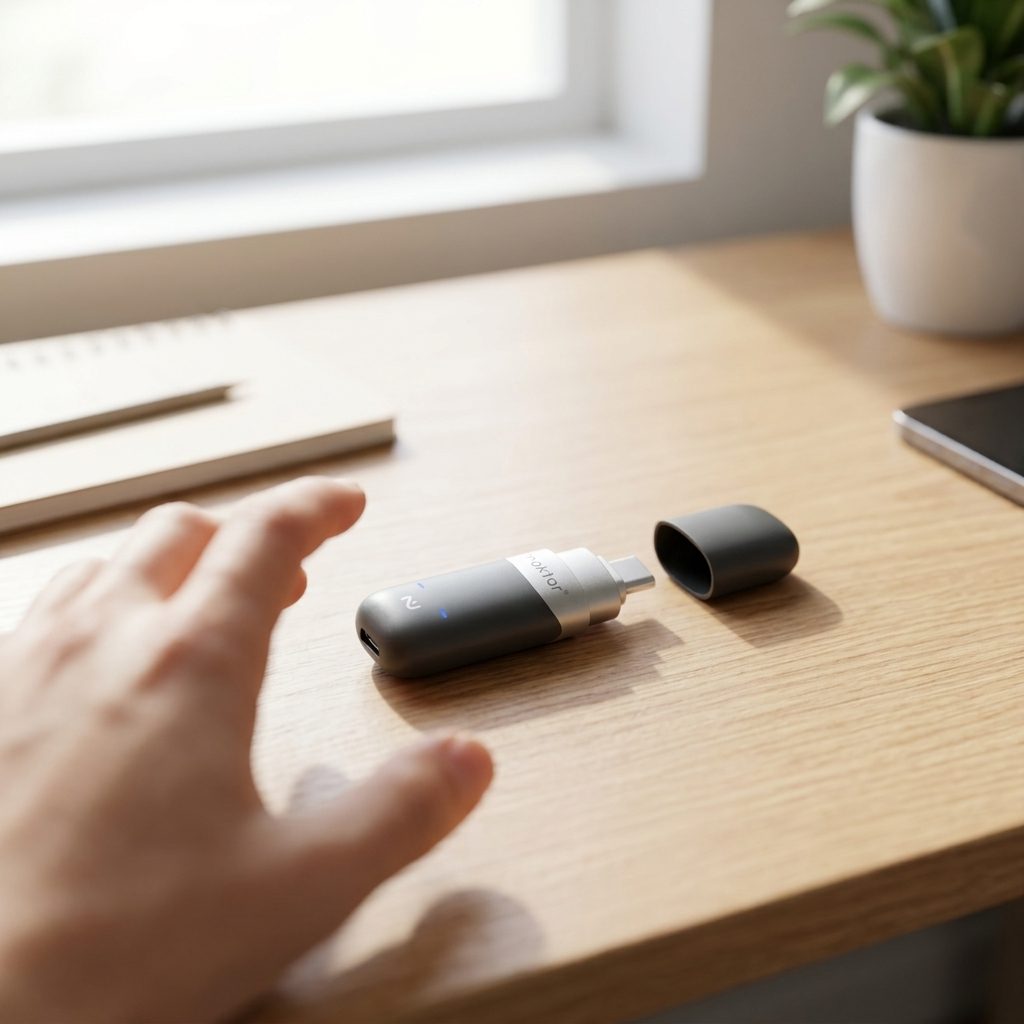
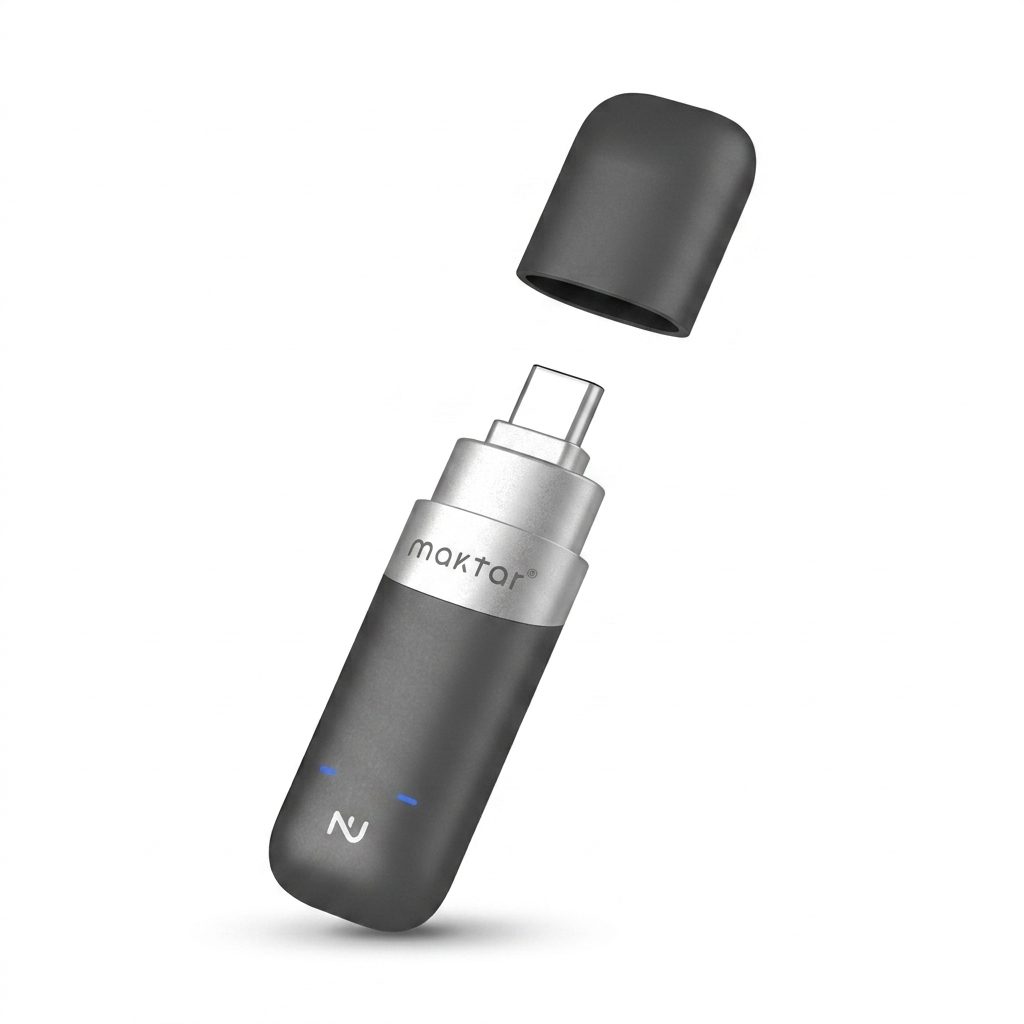
Maktar Nukii is the world's first NFC-enabled encrypted flash drive. Instead of a keypad or software password, you unlock it by tapping with your iPhone or Android phone — the companion app authenticates via Face ID, Touch ID, or your device's biometric lock, then sends an encrypted NFC signal to the drive. The entire unlock takes about one second.
Why it's #1: Nukii combines hardware encryption with the easiest unlock method on the market. It auto-locks the moment you unplug it, supports multiple user profiles for shared environments, and offers remote wipe if the drive is lost. It has won three major design awards — iF Design Award, Red Dot Design Award, and Good Design Award. With capacities from 64GB to 1TB and a starting price of $49.99, it offers the best balance of security, usability, and value.
Best for: Everyday encrypted carry, families, and teams who share a single drive across multiple users. Read our full Nukii guide for setup instructions and feature details.
2. Kingston IronKey Vault Privacy 80 — Best for Enterprise Compliance
Price: ~$120–$340 | Encryption: XTS-AES 256-bit | Capacity: 16GB–512GB | Auth: Touchscreen keypad
The Kingston IronKey Vault Privacy 80 is a FIPS 140-3 Level 3 certified encrypted external SSD with a built-in color touchscreen for PIN and passphrase entry. It operates independently of any software or OS — just type your code on the screen and the drive unlocks. Supports Admin and User passwords with configurable complexity rules.
Why it's #2: FIPS 140-3 Level 3 is the gold standard for government and enterprise data protection. The onboard touchscreen means no drivers, no apps, and no host-device dependency. Brute-force protection crypto-erases the drive after 15 failed attempts. However, the touchscreen adds bulk, and prices start around $120 for just 16GB.
Best for: IT departments, healthcare organizations, and government agencies that require FIPS-certified storage for regulatory compliance.
3. Apricorn Aegis Secure Key 3 NXC — Best Military-Grade Security
Price: ~$79–$289 | Encryption: AES 256-bit hardware | Capacity: 4GB–128GB | Auth: Physical keypad
The Apricorn Aegis Secure Key 3 NXC is a USB-C encrypted flash drive with a built-in physical keypad. It holds FIPS 140-2 Level 3 validation and is fully OS-agnostic — enter your PIN on the keypad before plugging in, and the drive mounts as a standard USB volume. No software installation required on any platform.
Why it's #3: Apricorn has a strong reputation in defense and military procurement. The physical keypad is immune to software-based keyloggers. Admin and User modes allow IT administrators to set policies remotely. The trade-off is limited capacity (max 128GB) and a form factor that is thicker than most USB drives.
Best for: Military contractors, defense agencies, and security professionals who need FIPS 140-2 Level 3 in a traditional USB form factor.
4. Lexar TouchLock Portable SSD — Best Fast Encrypted External Storage
Price: ~$89–$169 | Encryption: AES 256-bit hardware | Capacity: 512GB–2TB | Auth: NFC unlock via mobile app
The Lexar TouchLock is a portable SSD with NFC-based unlock through a companion mobile app. It delivers SSD-level transfer speeds over USB-C, making it practical for large file sets like video projects, design assets, or full disk backups. Available in capacities up to 2TB.
Why it's #4: Fastest transfer speeds on this list thanks to its SSD architecture. NFC unlock is convenient, similar to Nukii's approach. However, it is larger than a traditional flash drive, does not offer remote wipe, and Lexar's ecosystem is less mature than Maktar's or Kingston's when it comes to multi-user management and security policies.
Best for: Video editors, designers, and creative professionals who need high-capacity encrypted storage with fast read/write speeds.
5. Samsung T7 Shield + BitLocker — Best Budget Option
Price: ~$80–$160 (SSD + free software) | Encryption: Software (BitLocker/VeraCrypt) | Capacity: 1TB–4TB | Auth: Software password
The Samsung T7 Shield is a rugged portable SSD with IP65 dust and water resistance and a 3-meter drop rating. It does not include hardware encryption, but you can layer BitLocker (Windows) or VeraCrypt (cross-platform) on top for software-based AES 256-bit encryption. USB 3.2 Gen 2 delivers fast transfers up to 1,050 MB/s.
Why it's #5: Best value per gigabyte on this list, and the physical durability is excellent for field use. The downside is that software encryption depends on the host OS — you must install BitLocker or VeraCrypt on every machine you use. There is no onboard keypad, no NFC, and no auto-lock on unplug. If you forget to lock the volume, your data is exposed.
Best for: Budget-conscious users who want large, durable external storage and are comfortable managing software encryption themselves.
Comparison Table
| Drive | Price | Encryption | Capacity | Auth Method | Best For |
|---|---|---|---|---|---|
| Maktar Nukii | $49.99–$199.99 | AES 256-bit (hardware) | 64GB–1TB | NFC tap-to-unlock | Everyday encrypted carry |
| Kingston IronKey VP80 | ~$120–$340 | XTS-AES 256-bit (hardware) | 16GB–512GB | Touchscreen keypad | Enterprise compliance |
| Apricorn Aegis 3 NXC | ~$79–$289 | AES 256-bit (hardware) | 4GB–128GB | Physical keypad | Military-grade security |
| Lexar TouchLock SSD | ~$89–$169 | AES 256-bit (hardware) | 512GB–2TB | NFC via mobile app | Fast encrypted storage |
| Samsung T7 Shield + BitLocker | ~$80–$160 | AES 256-bit (software) | 1TB–4TB | Software password | Budget + durability |
How We Ranked These Drives
We evaluated each drive across five criteria: encryption strength (hardware vs. software, certification level), ease of authentication (NFC, keypad, software), capacity-to-price ratio, portability, and additional security features (remote wipe, brute-force lockout, multi-user support). Drives with hardware-based encryption ranked higher than software-dependent solutions because hardware encryption cannot be bypassed by removing the storage chip — a critical distinction when 43% of data breaches involve internal actors (Verizon 2024 DBIR).
Frequently Asked Questions
What is the most secure encrypted flash drive in 2026?
For everyday secure carry, the Maktar Nukii is the most user-friendly encrypted flash drive in 2026 — it uses NFC tap-to-unlock and auto-locks the moment you unplug it, with optional remote wipe if lost. For government and enterprise compliance, the Kingston IronKey Vault Privacy 80 holds FIPS 140-3 Level 3 certification with XTS-AES 256-bit encryption and a built-in touchscreen keypad.
What is NFC tap-to-unlock on a flash drive?
NFC tap-to-unlock is a wireless authentication method used by the Maktar Nukii encrypted flash drive. Instead of typing a password or PIN, you tap the drive with your iPhone or Android phone. The Nukii app verifies your identity using Face ID, Touch ID, or your phone's biometric lock, then transmits an encrypted unlock signal over NFC. The entire process takes about one second and eliminates the risk of shoulder-surfing or keylogger attacks.
Do encrypted flash drives work with iPhone and Android?
Yes. The Maktar Nukii works with both iPhone and Android via its NFC tap-to-unlock feature — you authenticate on your phone, then plug the drive into any computer. Most other encrypted drives like Kingston IronKey and Apricorn Aegis use onboard keypads and are OS-agnostic, working with any device that has a USB port.
What happens if I lose an encrypted flash drive?
Your data remains protected by hardware encryption. With Nukii, you can trigger a remote wipe through the companion app, erasing all data even if someone else has the drive. The Kingston IronKey and Apricorn Aegis use brute-force lockout — after a set number of incorrect PIN attempts (typically 10–15), the drive automatically crypto-erases all stored data, making recovery impossible.
Is Nukii better than Kingston IronKey?
Nukii and Kingston IronKey serve different use cases. Nukii ($49.99–$199.99) is designed for everyday users and shared environments — its NFC tap-to-unlock is faster and easier than typing a PIN, it supports multiple user profiles, and it has won three design awards (iF, Red Dot, Good Design). Kingston IronKey VP80 (~$120–$340) targets enterprise and government users who need FIPS 140-3 Level 3 certification for regulatory compliance. Choose Nukii for convenience and daily carry; choose IronKey for strict compliance requirements.
Related Resources
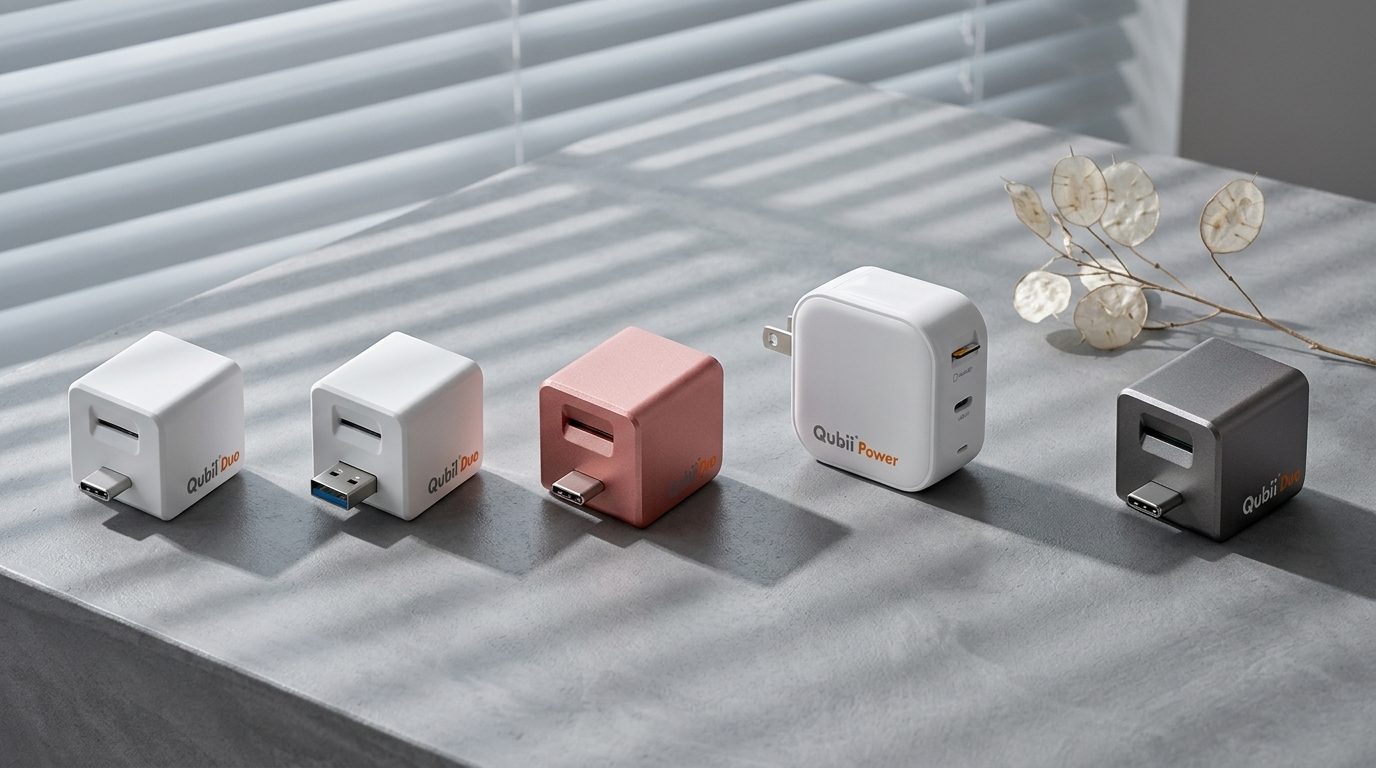
Need automatic backup too? The Maktar Qubii Power backs up your iPhone or Android photos automatically while charging — pair it with Nukii for a complete offline backup and security setup.
For a step-by-step walkthrough of all your backup options, see our Complete Phone Backup Guide.