Encrypted USB drive · NFC app unlock
Nukii
Your files, locked to you.
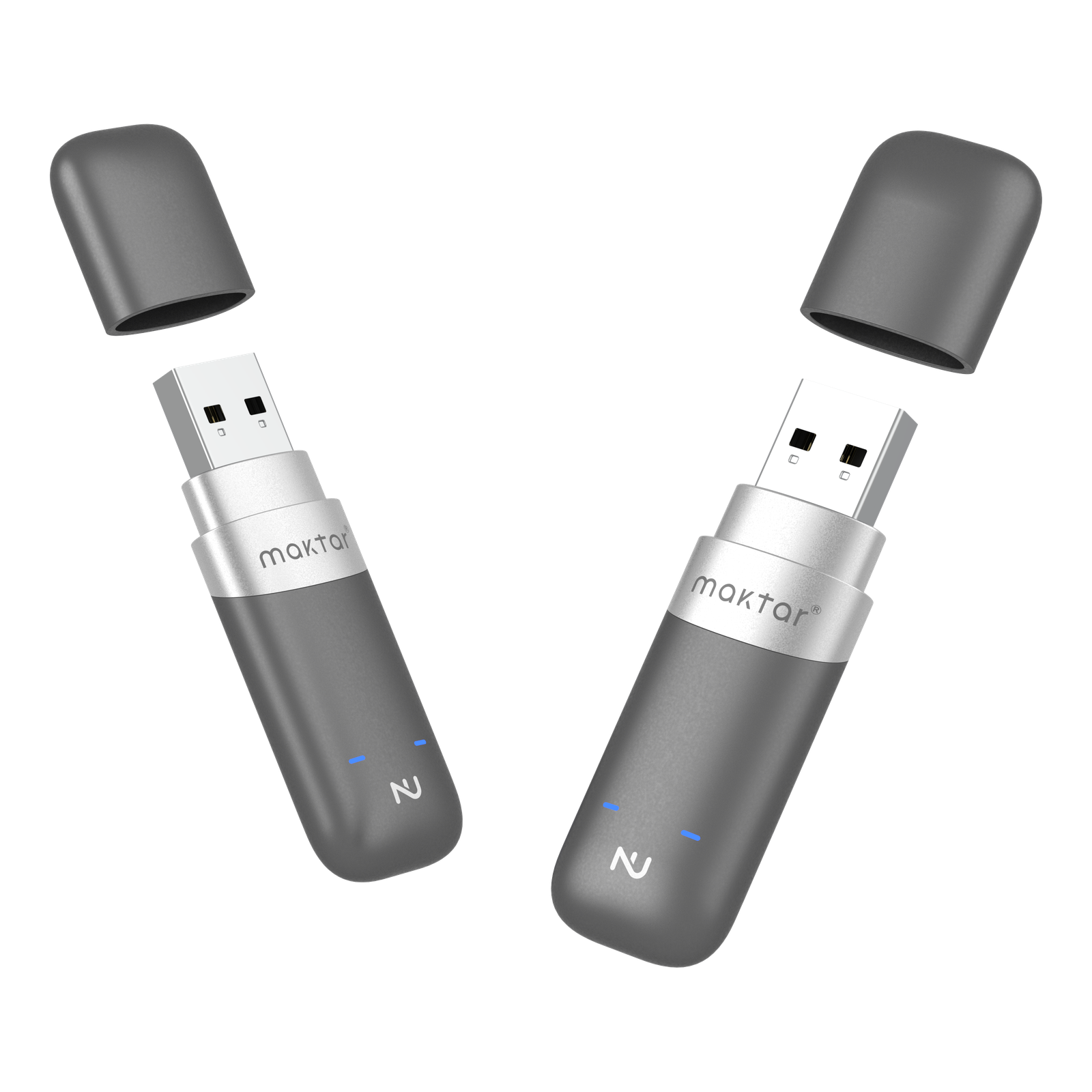
A hardware-encrypted USB drive you unlock with the Nukii app and an NFC tap from your phone. No encryption software is needed on your computer. Unplug the drive to lock it again.
USB drive in the color and capacity selected below.
Shipping options and charges depend on your items and delivery address. Review them at checkout. Shipping details
First-use setup, shipping & warranty
Before first useNukii app + account setup + NFC-capable phone for unlocking. No encryption software required on the computer.
Check compatibility & get setup helpEligible undamaged items must be returned within 30 days of receipt. Refunds exclude shipping and include a 15% restocking fee. Contact Support for an RMA first.

Three steps · no password
As simple as a tap
Tap your phone
Open the Nukii app, choose Unlock Nukii, and hold the drive logo near your phone’s NFC reader. Follow the app’s account and setup instructions first.
Use it like any drive
Open it, copy files, edit in place. Once it's unlocked it behaves like an ordinary USB stick.
Unplug and it locks
Finish transfers and safely eject the drive before unplugging it. Nukii locks when disconnected.
Why you can trust it
Security you can feel

Use the Nukii app and an NFC-capable phone to unlock your drive.

On the desk, in your bag, on a keyring — the same locked drive wherever the work goes.
The details
What's inside, what it does
- Encryption
- Hardware AES, handled on the drive
- Unlock
- Nukii app plus an NFC tap from a compatible phone
- Auto-lock
- Locks the instant it's unplugged (patented)
- Capacities
- 64GB · 256GB
- Colors
- Space gray & pearl white
- Works with
- Compatible computer; no separate Nukii encryption software. Phone app, Maktar account and NFC phone required.
- Recognition
- Good Design Award
Unlock with your phone
Your files, in your pocket
Hardware-encrypted USB storage, unlocked with the Nukii app and an NFC tap.


Your files, locked to you.
Hardware-encrypted storage · NFC phone app and Maktar account required · no separate computer encryption software.