Your
memories.
Yours.
Automatic photo backup for iPhone and Android. Save to storage you own while you charge, with a one-time app setup and no backup subscription.
Compare backup devices
The cloud made your memories feel rented. We made them yours again.

Maktar makes local backup devices for the photos and files you want to keep close. Set up the companion app, connect your device, and keep a copy on your own storage.
7 devices. One promise.
Qubii Duo
Backs up photos, videos and contacts every time you charge.

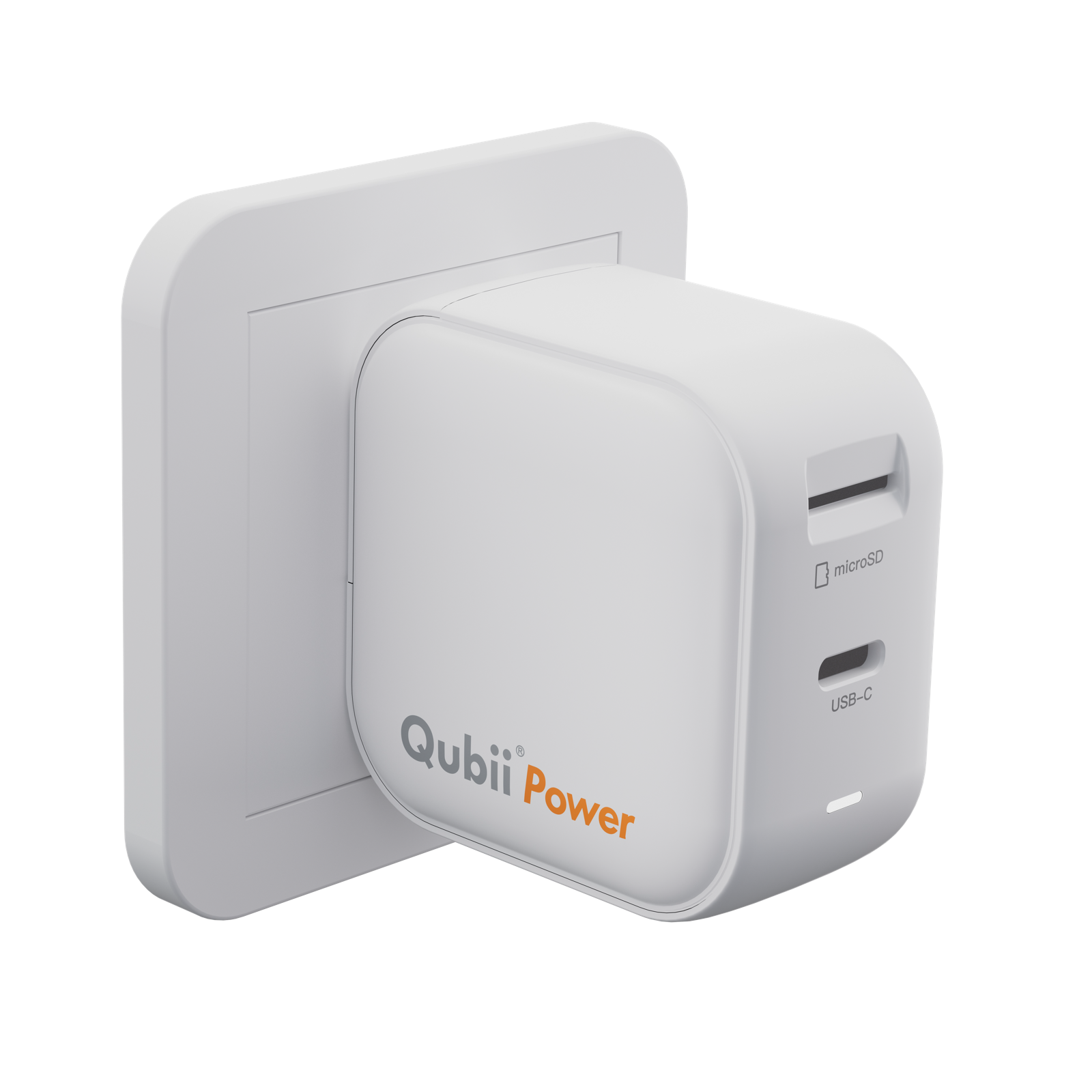
Qubii Power
45W fast charging and automatic backup in one travel-ready charger.
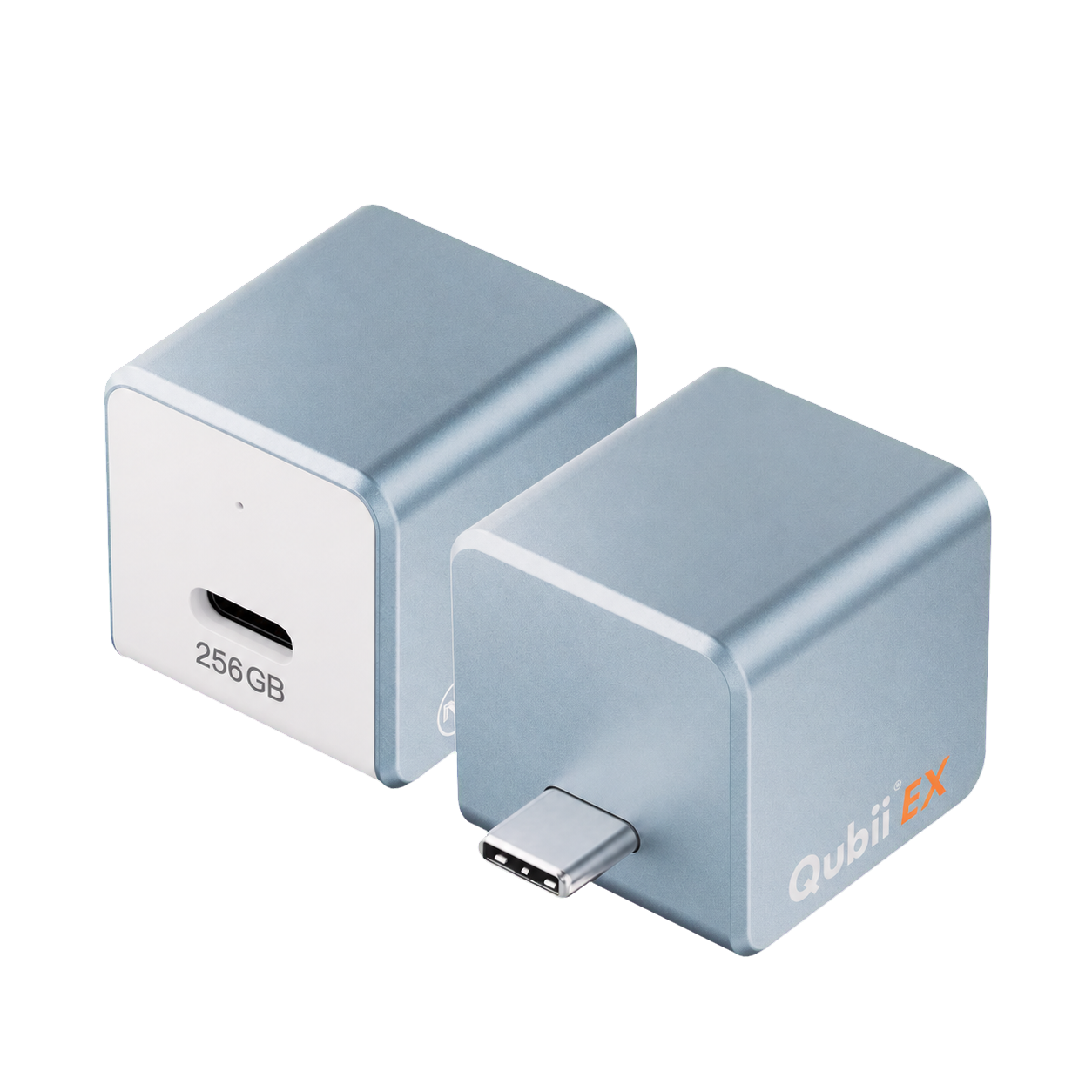
Qubii EX
Built-in memory makes automatic backup effortless for the whole family.
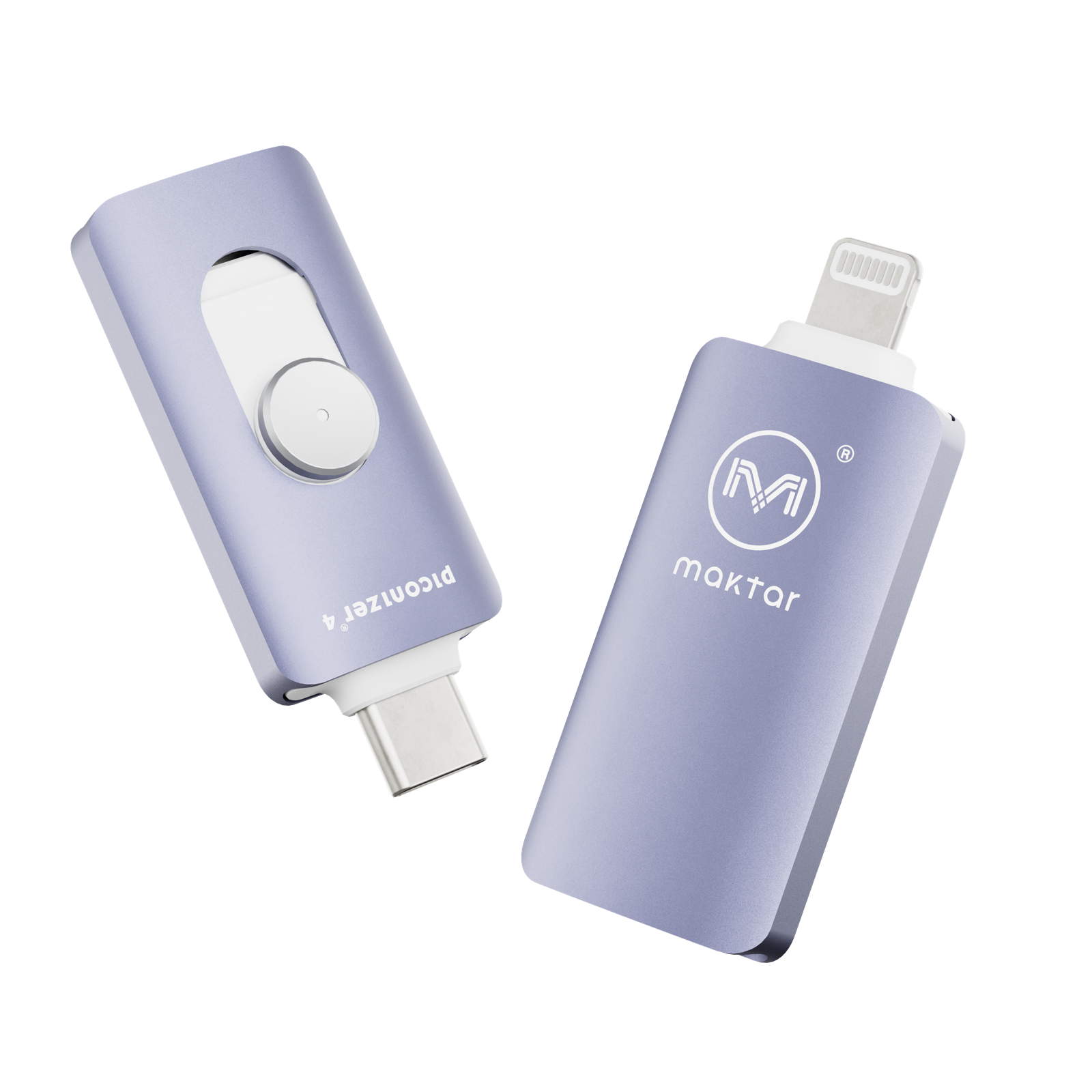
Piconizer 4
Move files across iPhone, Android, Mac and PC without the cloud.
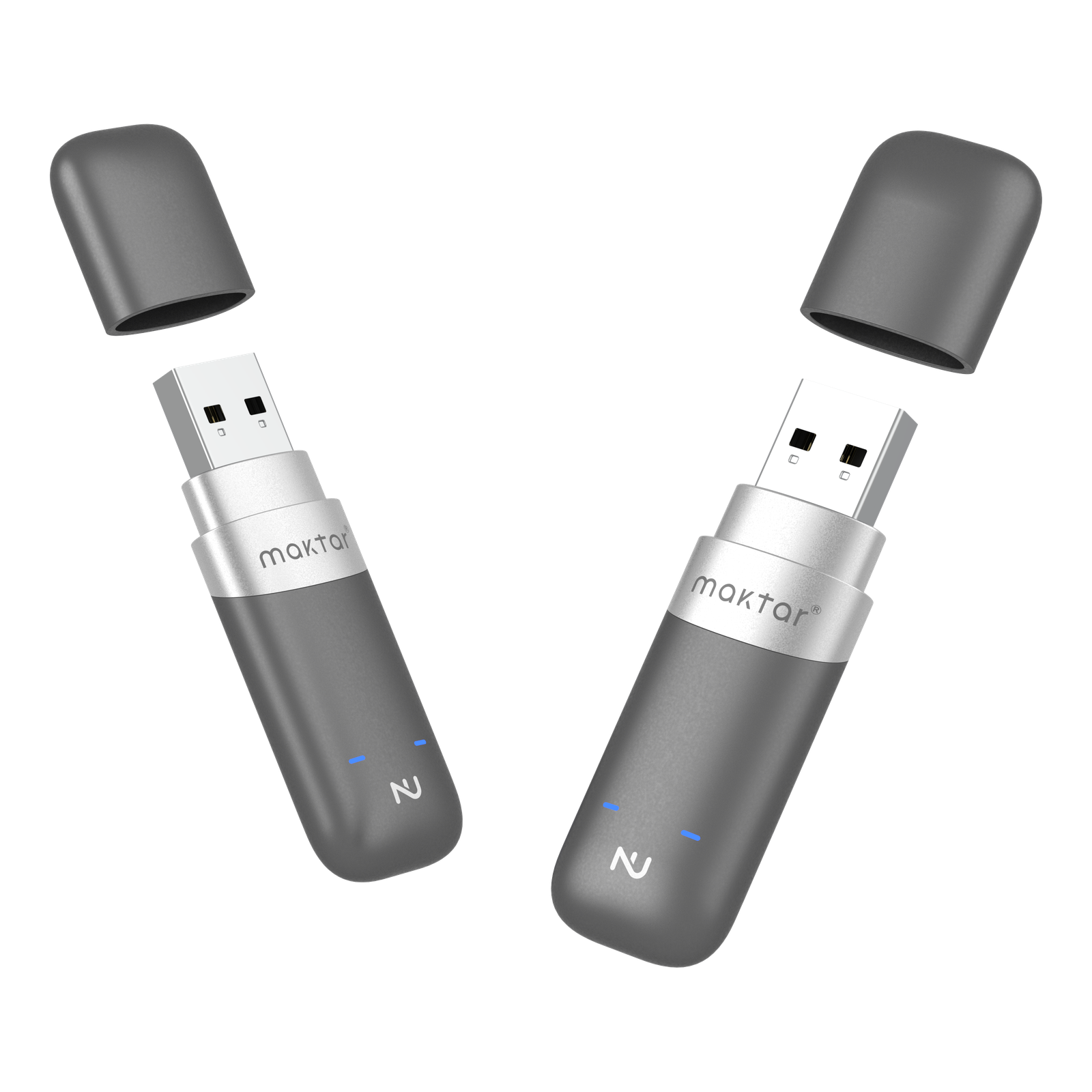
Nukii
Hardware-encrypted USB storage, unlocked with the Nukii app and an NFC tap.
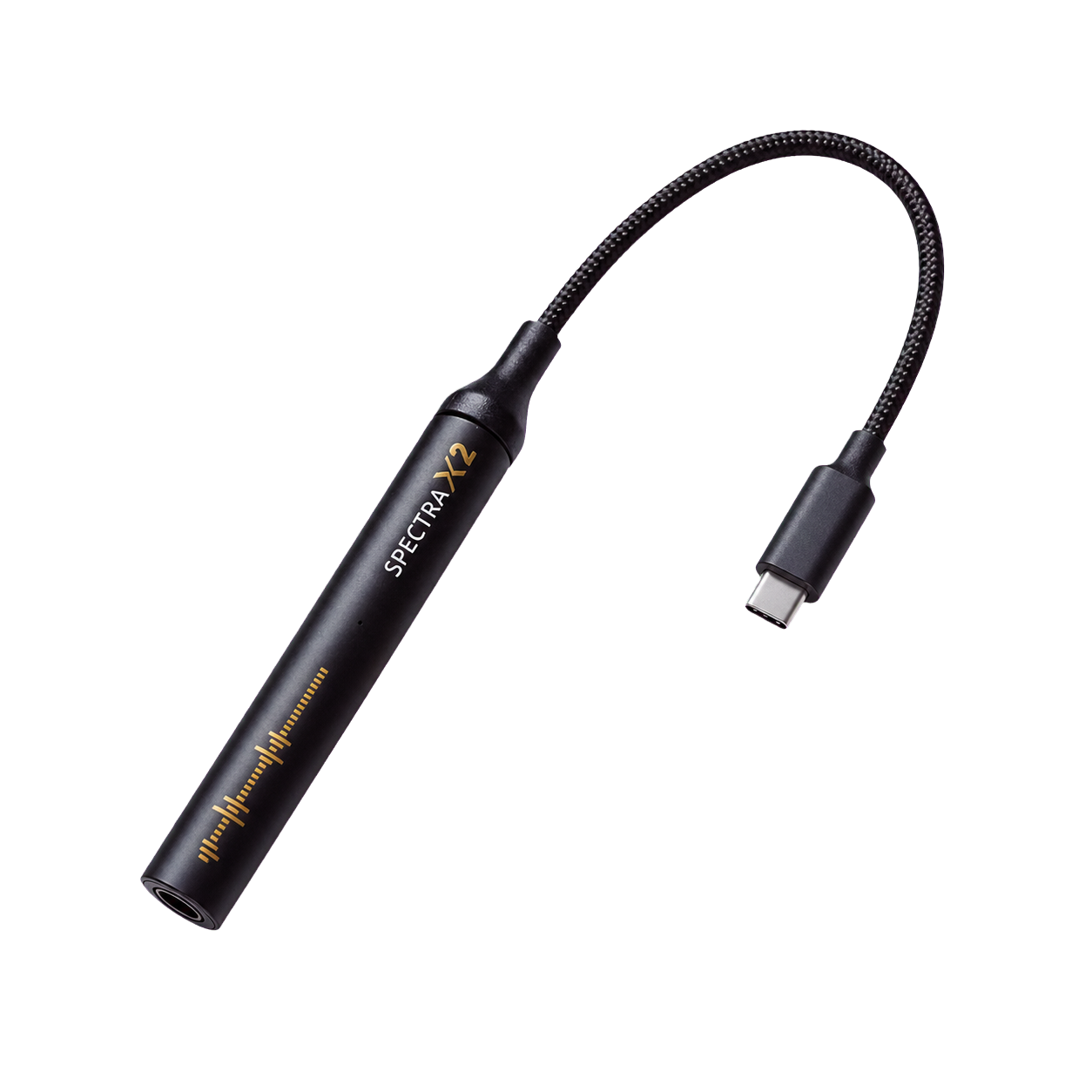
Spectra X2
Studio-grade detail from the headphones you already love.
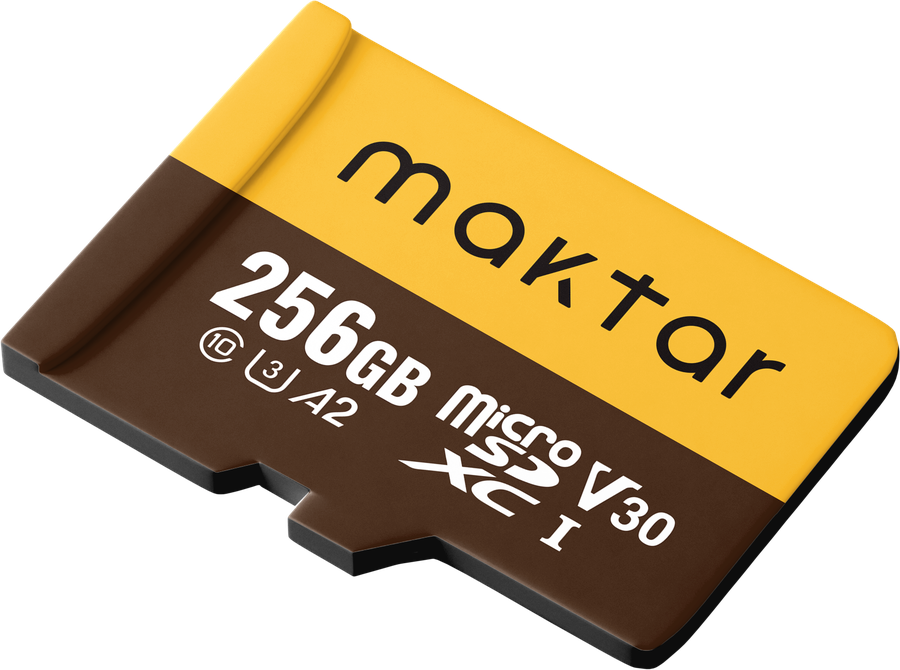
Memory Card
Removable storage for Qubii Duo and Qubii Power. Choose 128GB or 256GB.
ownership.
Keep a local copy you can access across compatible devices. For irreplaceable photos, keep another backup in a separate place.
The next wave is already on the bench.
New devices are designed and tested in Taipei long before they reach the store. When something new ships, you'll see it here first — no inbox required.
Keep another copy of irreplaceable files and check that your backups open.
Choose your backup.Know what is included.
Compare storage, charging and setup before choosing. Prices below are device starting prices; microSD cards and cables may cost extra.
Local and cloud backups can work together. Qubii saves supported photos, videos and contacts; it does not replace a full phone system backup. Local hardware can also be lost or damaged.
| Device | Storage | Best for | From |
|---|---|---|---|
| Qubii DuoQubii Pro app, charger and phone data cable | Removable microSD; included only in labeled card bundles | Backup with a compatible charger you already own | $54.99 |
| Qubii EXQubii Pro app, charger and phone data cable | Built-in storage in the selected capacity | Backup while charging, without a separate memory card | $63.99 |
| Qubii PowerQubii Pro app and phone data cable | Removable microSD; included only in labeled card bundles | Wall charging up to 45W and backup in one device | $89.99 |
| Piconizer 4Matching connector; Piconizer app on compatible iPhone | Built-in flash storage | Copying photos and files between compatible devices | $76.49 |
| NukiiNukii app, Maktar account and NFC phone | Hardware-encrypted USB storage | Carrying sensitive files | $49.99 |
Taipei, Taiwan
Maktar HQ · est. 2015
Answers before you choose
Does Qubii need an app or Wi-Fi?
Qubii Duo, Power and EX require the Qubii Pro app and initial permissions. Local backup does not require Wi-Fi. Internet access is needed to download the app or retrieve originals stored only in a cloud service.
Which Qubii includes storage?
Qubii EX has built-in storage. Qubii Duo and Qubii Power use a removable microSD card. Their device-only options do not include a card; only a package explicitly labeled as a card bundle includes one.
Does Qubii back up my entire phone?
Qubii backs up supported photos, videos and contacts. It is not a full system backup of apps, settings and every type of phone data. Check your completed backup in the app, and keep a separate backup of irreplaceable files.
How do I choose Duo, Power or EX?
Choose Qubii Duo to use your own charger and removable microSD card. Choose Qubii Power for a 45W charger with removable-card backup. Choose Qubii EX for built-in storage. All three require app setup and compatible phone connections.
Which cable do I need for the USB-C Qubii Duo?
Use a compatible data cable that matches both the USB-C cube and your phone. A Lightning phone needs a USB-C-to-Lightning data cable. The cube itself does not contain both phone plugs.
Will making a backup automatically free phone storage?
No. Copying files to backup storage does not itself remove the originals. Verify the saved files before deciding what to delete, and keep another copy of irreplaceable files. With iCloud Photos, deletion also affects other devices using the same Apple Account.
What do I need to unlock Nukii?
You need the Nukii app, a Maktar account and a compatible NFC-capable phone. No separate encryption software is required on the computer. Safely eject and unplug the drive to lock it again.