Qubii Duo — Photo Backup Cube, USB-A & USB-C Options
Qubii Duo adds photo, video and contact backup to a compatible charger-and-cable setup. Choose the USB-A or USB-C configuration that matches your equipment. The Qubii Pro app an...
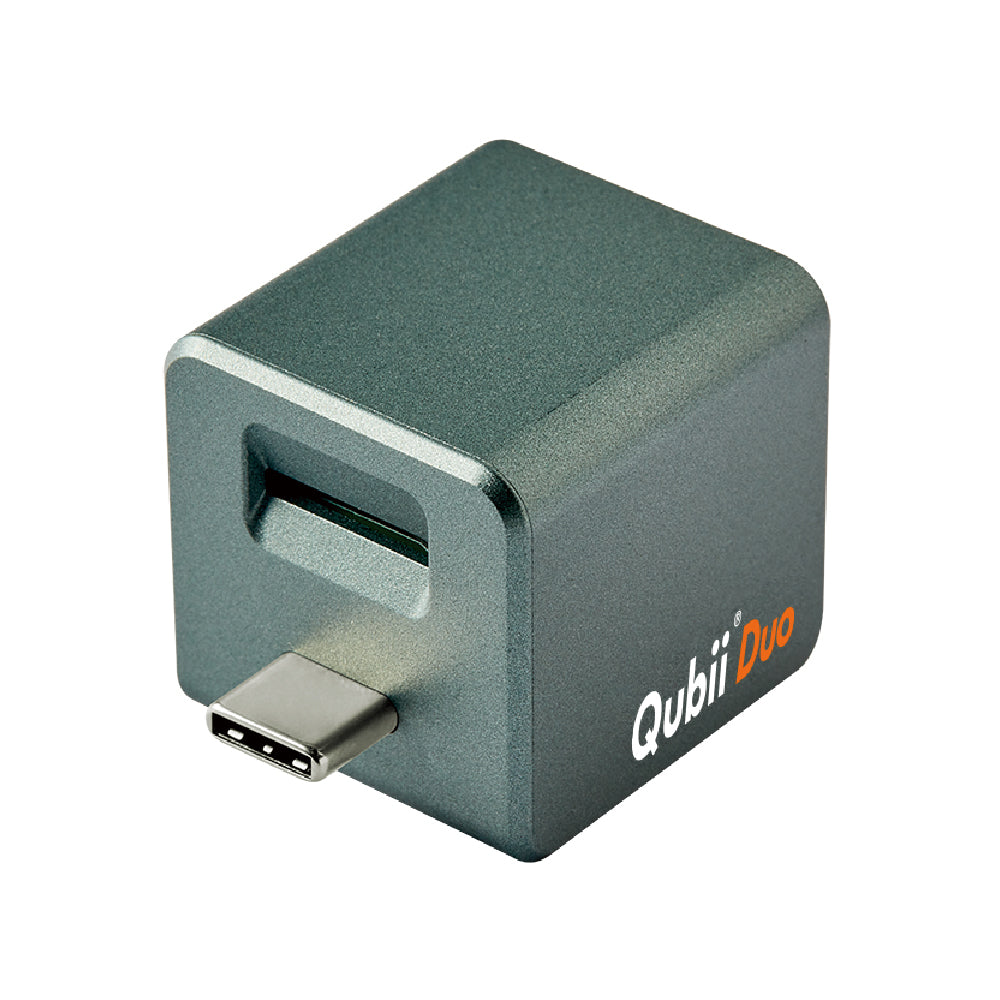
Qubii Duo adds photo, video and contact backup to a compatible charger-and-cable setup. Choose the USB-A or USB-C configuration that matches your equipment. The Qubii Pro app and a microSD card (up to 2TB) are required; card bundles are labeled separately.
Before your first backup
- Install the Qubii Pro app and grant access to the supported content you want to save.
- Connect a compatible microSD card, phone data cable and charging hardware.
- Let the backup finish, then check its status and open saved photos and videos.
Local backup does not need Wi-Fi. Installing the app or retrieving originals stored only in a cloud service requires internet access. Initial backup time varies with your library and equipment.
Choose your package
A microSD card is included only when the selected package explicitly lists one. Review the selected connector and bundle contents before ordering. Actual charging speed depends on the phone, cable and configuration.
Qubii saves supported photos, videos and contacts; it does not replace a complete phone-system backup. Local storage does not by itself establish that a removed card is encrypted. Keep the card secure and retain a separate copy of important files.
Standard hardware coverage is a 2-year limited warranty. Any extended coverage depends on product eligibility and successful registration. See the Maktar warranty policy.