Piconizer 4 — Portable Photo Backup Drive
Keep a local copy of your photos and videos with Piconizer 4, a portable drive with Lightning and USB-C connectors. Choose the capacity and color shown in the product options, t...
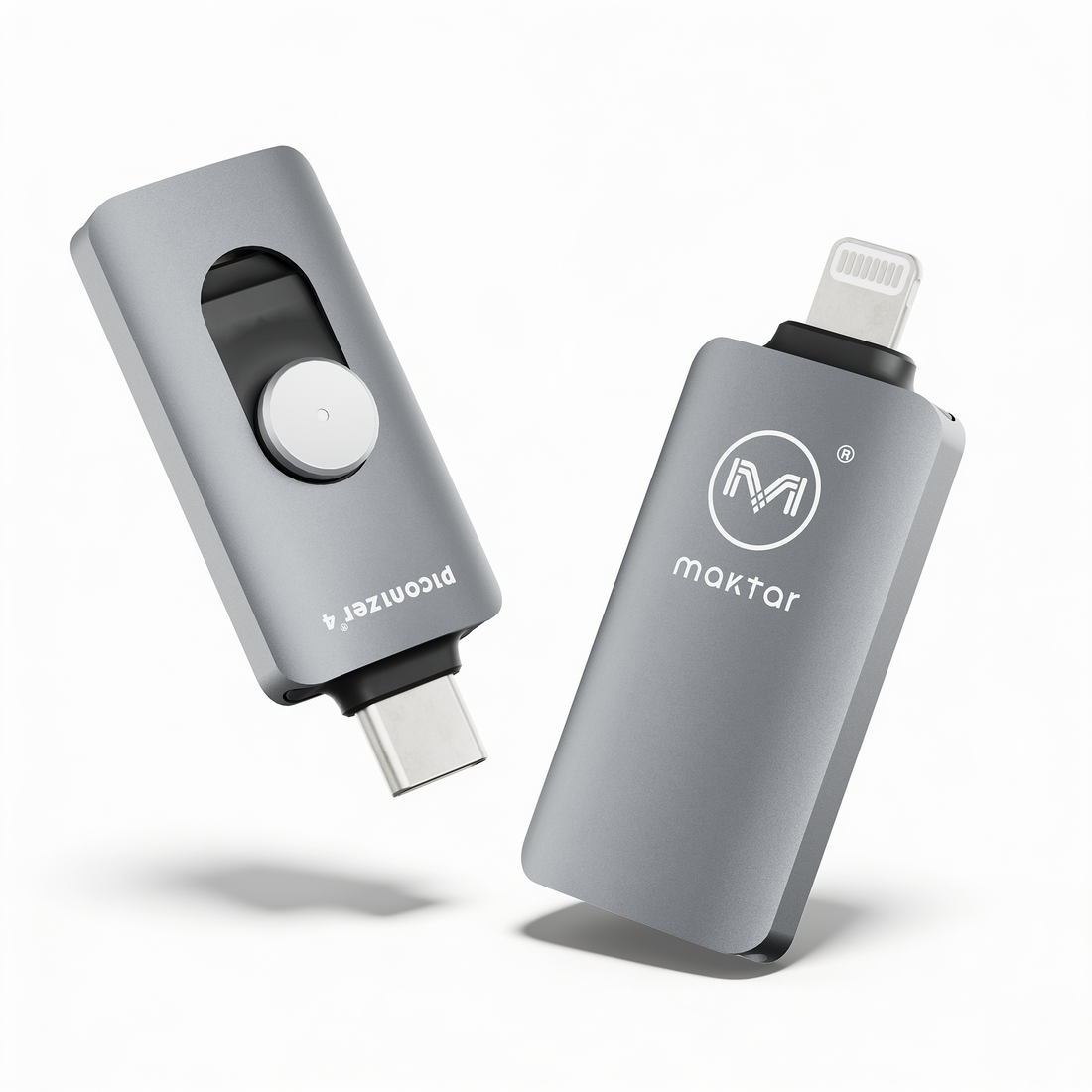
Keep a local copy of your photos and videos with Piconizer 4, a portable drive with Lightning and USB-C connectors. Choose the capacity and color shown in the product options, then check that your phone and app are compatible.
Connect, copy and check
- Use the connector that matches your phone. Install the Piconizer app and grant access to the photos and videos you want to save.
- Start your backup and keep the drive connected until the app confirms completion. Transfer time depends on the files, device and connection.
- Open saved photos and videos from the drive to check they work. Keep another copy of important files on a computer or a separate storage device.
Compatibility and storage
Use the Piconizer app on a supported phone. Computer access requires a compatible USB port or adapter. Opening or playing a saved file depends on its format and the software available on the receiving device. Piconizer saves supported content; it is not a complete phone-system backup.
The drive has a fixed capacity. Local photo backup does not require a recurring cloud-storage subscription. Photos stored only in iCloud must first download to your phone, which requires an internet connection, sufficient phone space and battery.
Before freeing phone space
Copying files does not automatically remove originals or free phone storage. Before manually deleting anything, check that the files you need are saved and readable, and keep a second copy. With iCloud Photos enabled, a deletion on your phone also syncs to iCloud and other connected devices.
Explore Piconizer 4 · Setup guide · iCloud photo backup guide